
Integrations
Fits a Microsoft 365 or Google Workspace firm.
Staff sign in with their work account, files come from SharePoint or Google Drive, and buyer forms go back in Word and Excel.
- Available
- Works out of the box.
- Available with setup
- Built, and switched on once your tenant or credentials are connected.
- Coming soon
- Not available yet.
Identity and directory
Microsoft Entra ID
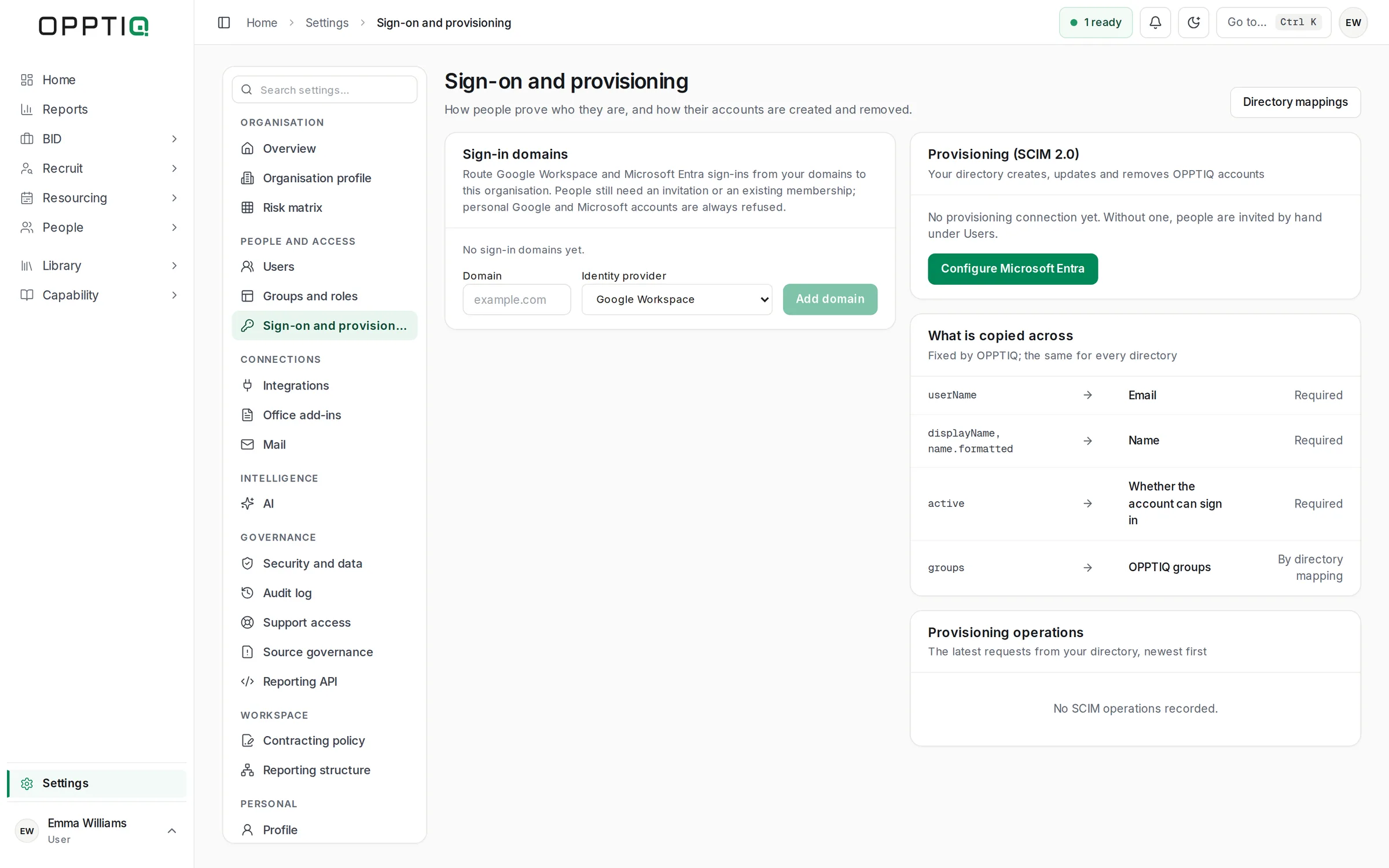
Available with setupStaff sign in with their Microsoft work account; personal accounts are refused, and single sign-on can be required per domain.
Google Workspace
Available with setupSign in with a verified Google Workspace domain; consumer Gmail accounts are refused.
Okta and OpenID Connect
Available with setupSingle sign-on through any standards-based identity provider, routed by email domain.
SCIM 2.0 provisioning
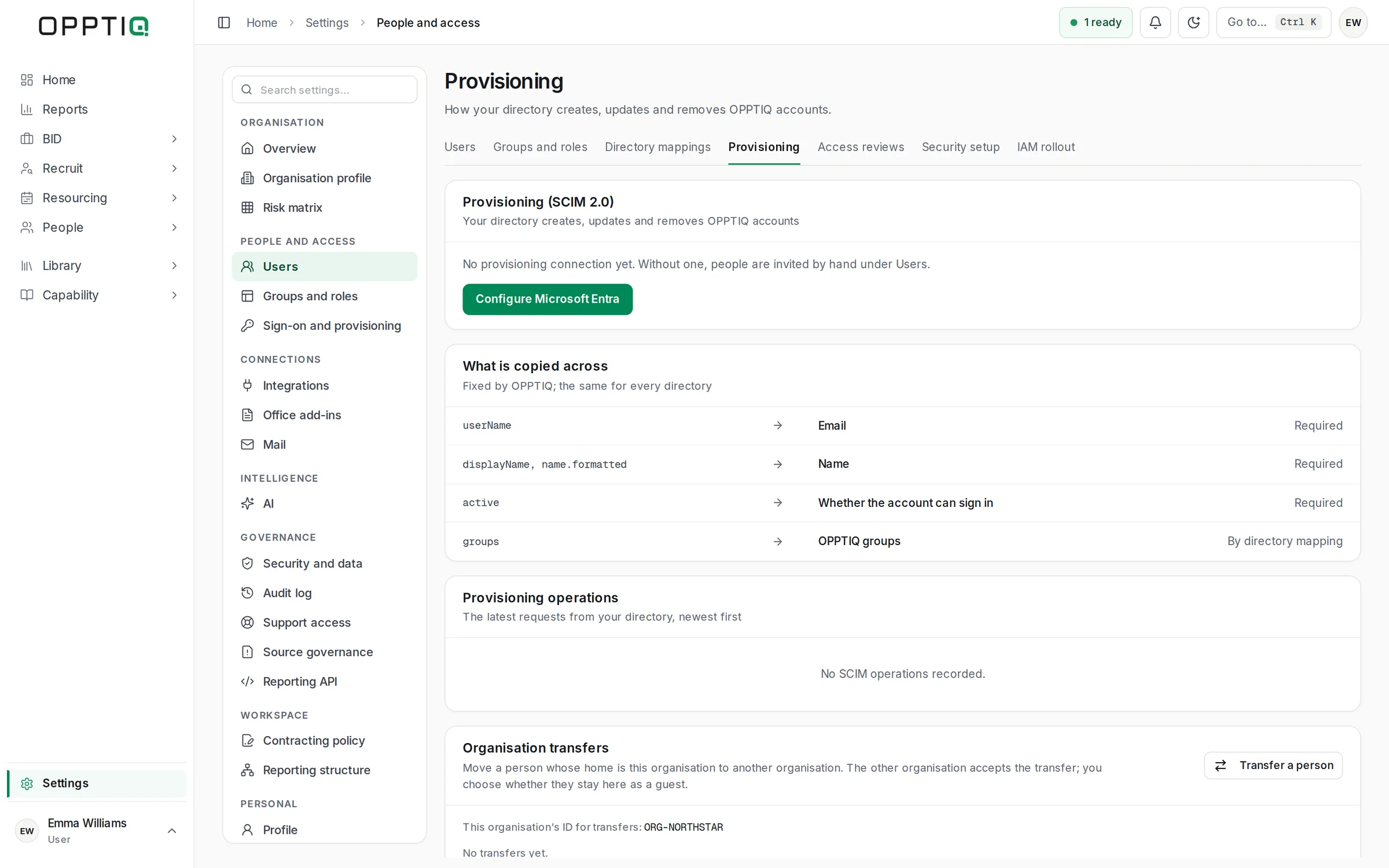
Available with setupCreate, update and deactivate users and groups from Microsoft Entra ID or any SCIM provider, with an audit trail.
Documents and files
SharePoint
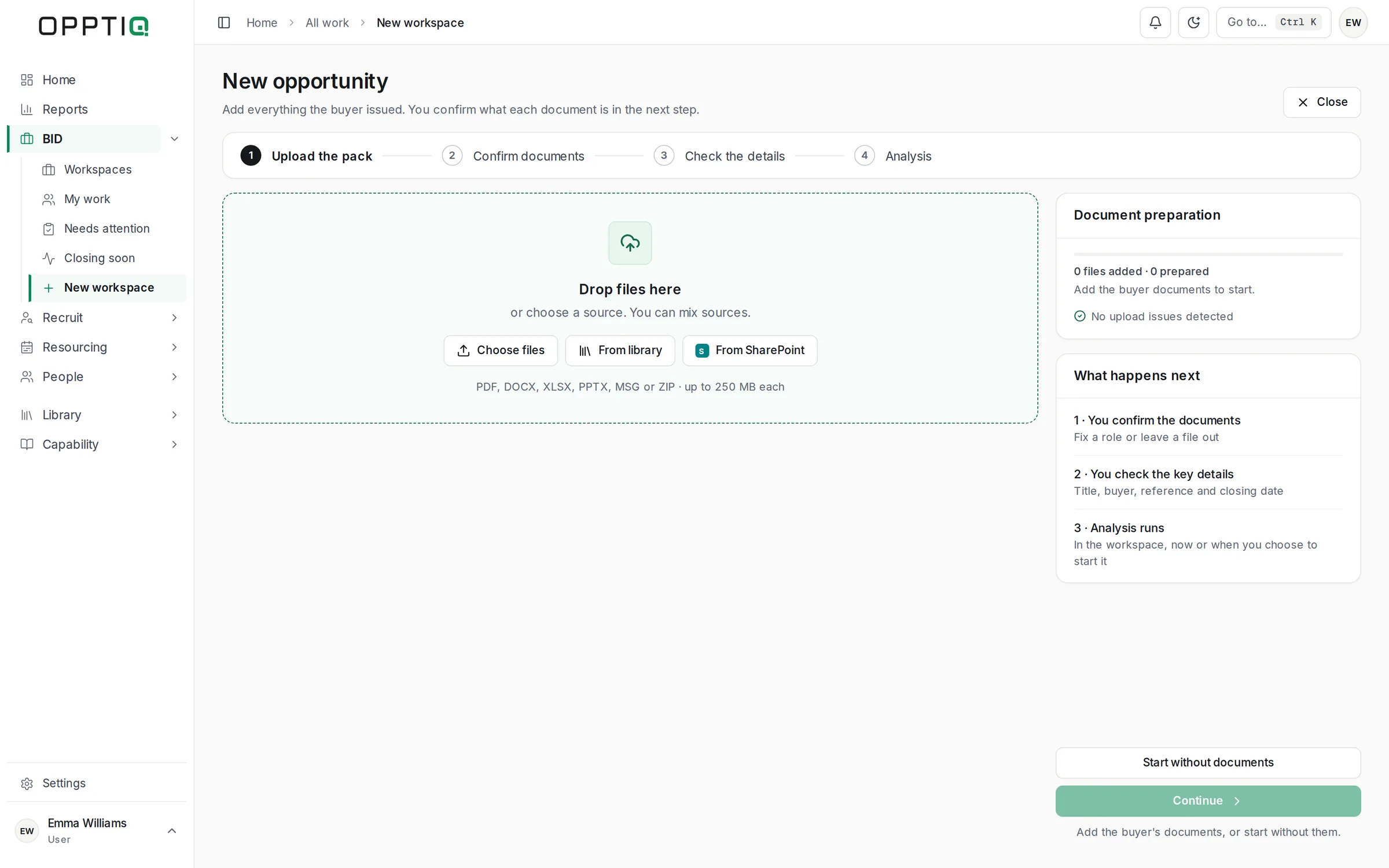
Available with setupBrowse approved document libraries, import tender files, detect new versions and release the final package back to SharePoint.
Google Drive
Available with setupPick files with the Drive picker, sync approved folders and publish exports to Drive.
Microsoft Word and Excel
AvailableRead Word, PDF and Excel packs, fill the buyer’s own Word and Excel forms, and keep formulas in your own templates.
Submission package
AvailableA Word departure schedule and a ZIP submission package with a manifest.
PDF export
AvailableReports and documents exported to PDF.
Reporting API
AvailableA read-only API with organisation-owned keys, for BI tools and for your SIEM to pull audit events. Every query is recorded in the audit log.
Email and calendar
Email files as buyer documents
AvailableUpload .eml and .msg files. Attachments become separate sources, and emails inside zip files are opened.
Outgoing email
Available with setupNotifications by email with your sender policy, sent from a connected Microsoft 365 or Gmail mailbox.
Calendar feed (ICS)
AvailableA private feed of bid deadlines for any calendar app.
Google Calendar and meetings
Available with setupAn OPPTIQ deadlines calendar and meeting links for clarification meetings.
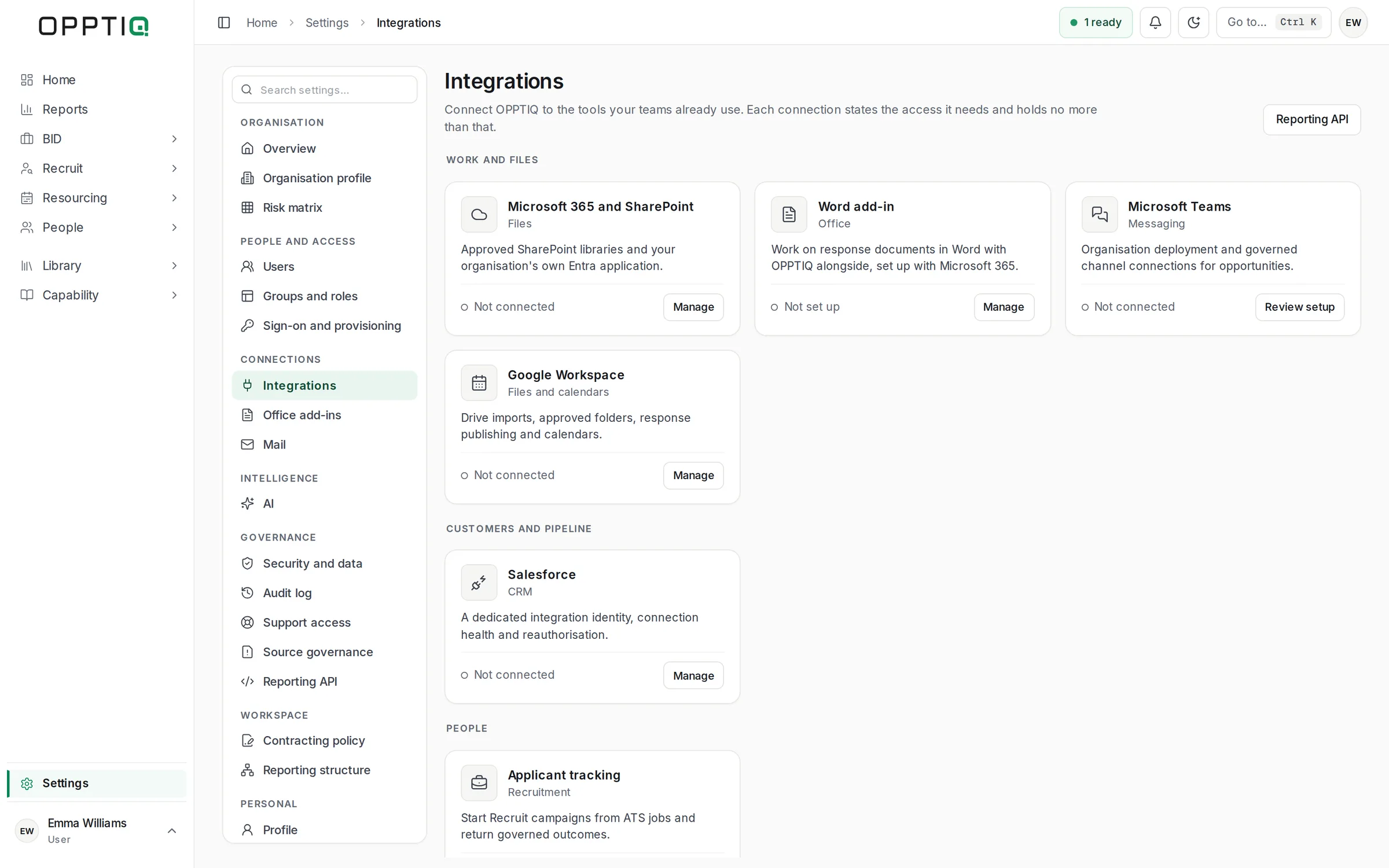
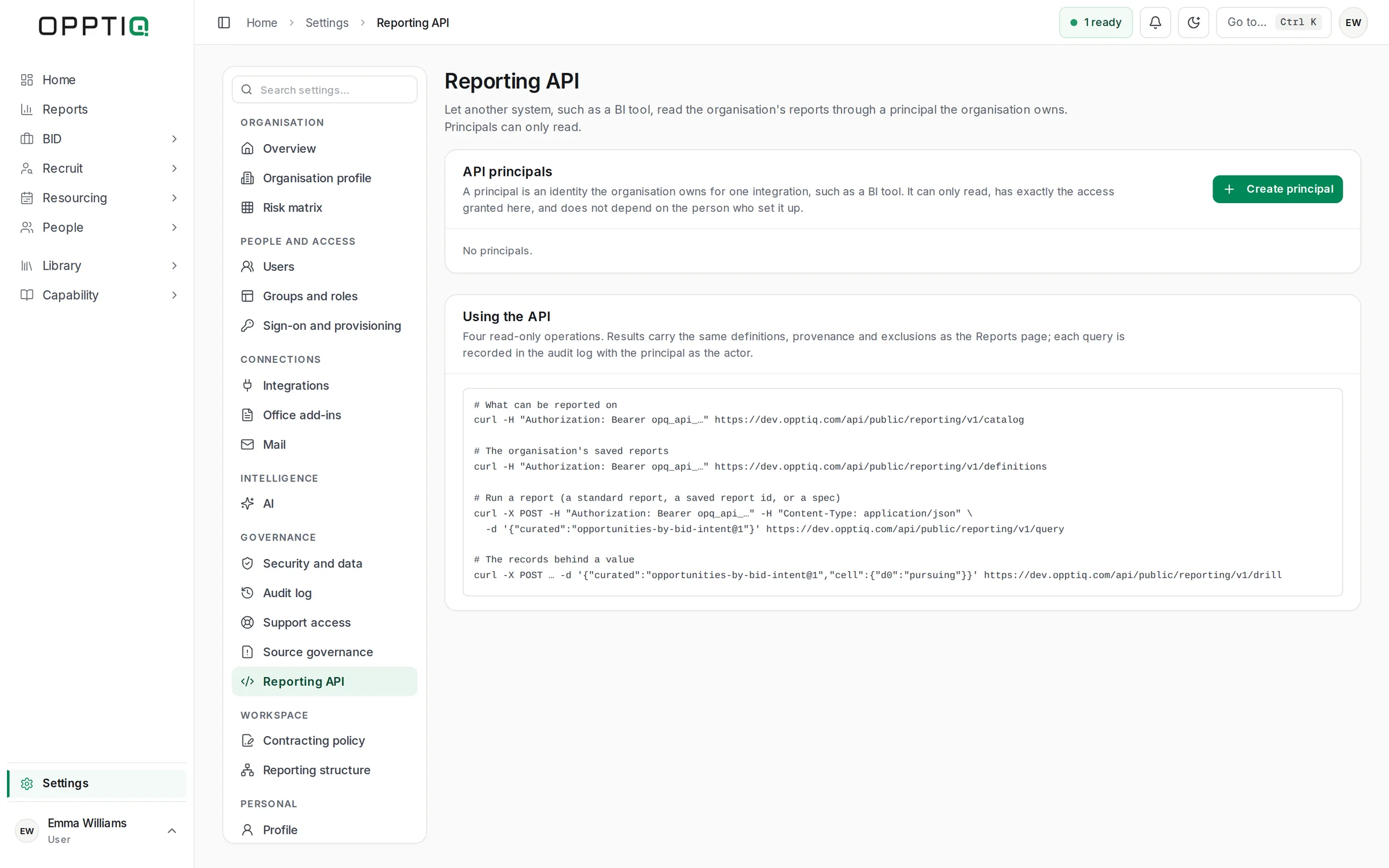
The Reporting API, for BI tools and your SIEM.
Other systems read your organisation’s reports through a principal your organisation owns. Principals can only read, and results carry the same definitions and exclusions as the Reports page.
Your SIEM can pull audit events through the read-only Reporting API, using an API key your organisation owns. Each query is itself recorded in the audit log.
OPPTIQ does not push events to a SIEM, and there is no packaged Microsoft Sentinel or Splunk connector.
Coming soon
Microsoft Teams
Coming soonChannel connections, notifications, tasks and comments in Teams.
Word add-in
Coming soonWork on response sections inside Word.
Applicant tracking systems
Coming soonTwo-way sync of jobs and candidates for OPPTIQ Recruit.
Salesforce
Coming soonConnect your CRM account.
See how OPPTIQ fits your stack.
Tell us which identity provider and document systems you use, and we’ll walk through the setup.